










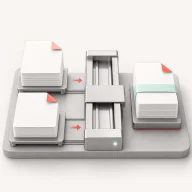

Image privacy
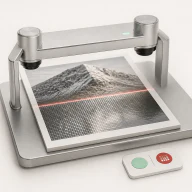
Review and remove supported metadata from image files. Each tool explains whether work stays in your browser or uses a configured service.
Open metadata cleanerRemove supported metadata, prepare images and documents, and review content signals with practical tools. Each workstation explains its supported inputs, result, limits, and processing path before you begin.
Strip EXIF fields, GPS coordinates, and supported AI metadata from your photos in seconds. Files never leave your browser.
Clean my images
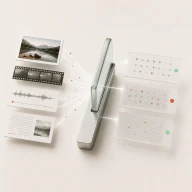
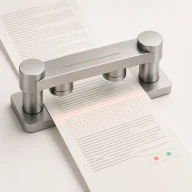
Watermark removal and AI marker checks
Check every AI watermark layer honestly
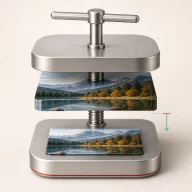
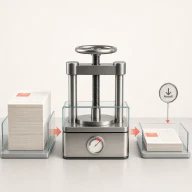
Compress, resize, and cut out backgrounds
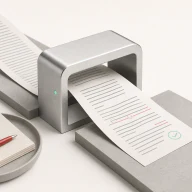
AI text checks and PDF handling
Start with the job you need to finish. The interface, processing disclosure, and result state stay consistent across the collection.
Review and remove supported metadata from image files. Each tool explains whether work stays in your browser or uses a configured service.
Open metadata cleanerCompress, resize, crop, and prepare backgrounds with visible inputs, output settings, and job states.
Explore image toolsReview text signals, refine drafts, and prepare PDFs from the same focused collection of workbenches.
Review content toolsMetadata and provenance records are useful, but they can also reveal more context than you intend to publish.
Photos can store device details, timestamps, editing information, and GPS coordinates. The exact fields depend on the format, camera, and editing workflow.
Before publishing a sensitive image, inspect what it contains and remove only the fields you do not want to share. AICleanify shows the supported inputs and processing path inside each metadata tool.
C2PA is a standard for attaching signed provenance information to media. A C2PA manifest can describe how a file was captured, generated, or edited.
Support varies by file and workflow. Use the relevant AICleanify tool to inspect or process supported content, then verify the downloaded result before publishing it.
Review sensitive metadata, then standardize dimensions, crop, or file size for the destination.
Compress, merge, and convert files with a visible queue and explicit output state.
Use detector scores as indicators for review, not as definitive proof of origin or authorship.
Common questions about how AICleanify protects your content and bypasses detection.
Still have a question? Contact us.